
Sunday school coloring pages by email
Sunday school teachers, VBS volunteers, and kids ministry teams already have this week’s lesson. Email that lesson — or a verse — to draw@churchcoloringpage.com. We send a printable black-and-white coloring page back as PDF and PNG.
How to get this week’s page by email
- Email this week’s lesson, verse, or curriculum PDF to draw@churchcoloringpage.com.
- We draw a black-and-white Sunday school coloring page from those notes.
- You receive a printable PDF and a PNG in the same inbox.
- Reply to that email if you want the drawing revised.
A page that matches this week’s teaching
Generic Bible coloring packs are fine when any ark will do. They fall short when the class just heard a specific story, a named translation of a verse, or a VBS theme that is not in last year’s workbook. Church Coloring Page draws from the notes you already wrote.
There is no upload form and no app to install. The request is an ordinary email. The drawing comes back to the same inbox, ready to print for class, the hallway table, or take-home folders.
What to put in the email
A sentence is enough: the scene, the verse, or how the kids should see it. Attach the lesson PDF, a newsletter, or a photo of the worksheet if that is easier than retyping.
- This week’s Sunday school outline or curriculum PDF
- A verse in the translation you read from (KJV, ESV, NIV, CSB, and so on)
- A VBS daily story, a kids-church bumper, or a midweek club theme
- A style note if you have one: simple Sunday-school lines, stained glass, a storybook frame
Teachers write things like:
- “Jesus calming the storm on the sea”
- “The kids will love a coloring page of Noah's ark this Sunday.”
- “Jonah on the front, the whale on the back”
- “John 3:16 in the KJV, letters big enough to color.”
What you get back
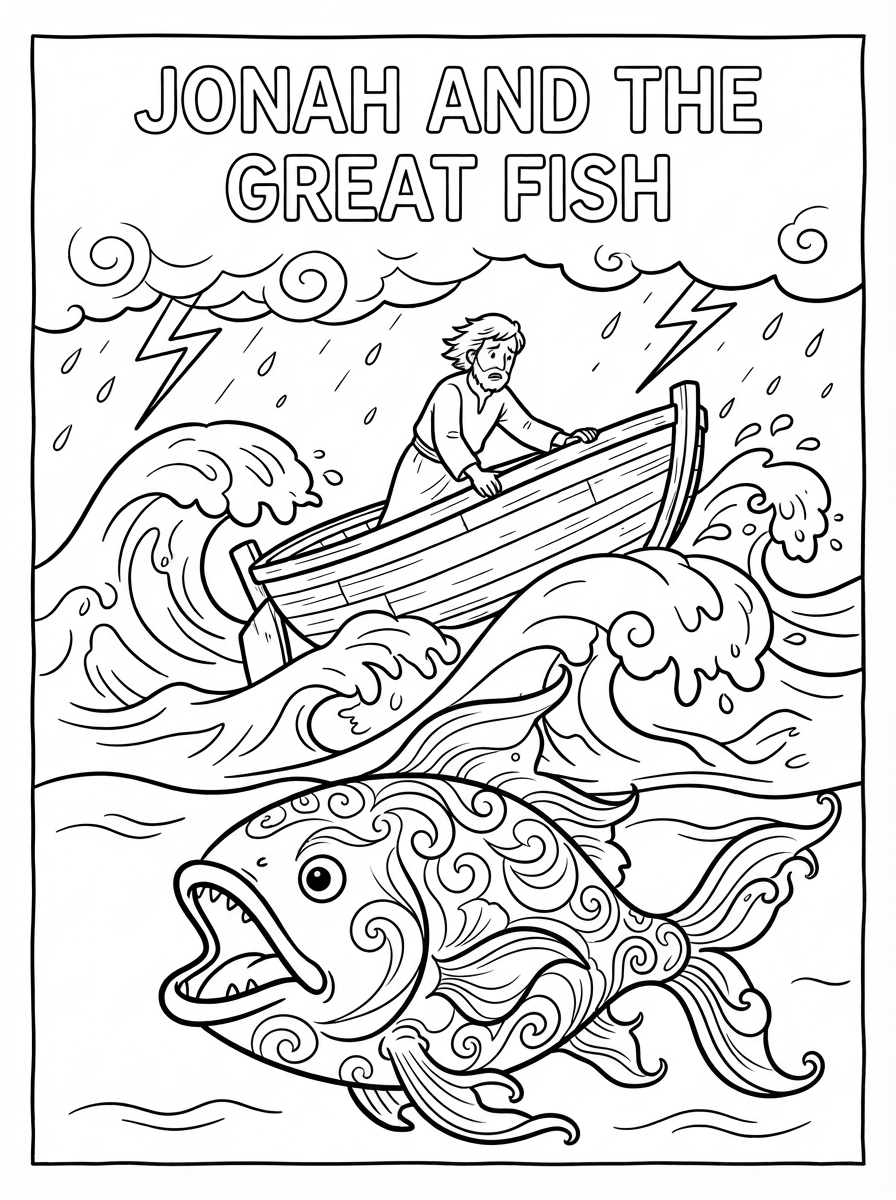
A letter- or A4-sized PDF with thick outlines kids can color, plus a PNG if you want to preview it on a phone or drop it into a slide. The page is black-and-white on purpose so the crayons do the rest.
Need a change? Reply to the finished email. “Make the boat bigger,” “add a dove,” or “fewer people” is a revision. We redraw from that note and send another PDF and PNG.
From one teacher to a whole ministry
Guests can try it from any inbox. A free account keeps a small monthly pool for a class that emails in every week. Plus and Church add more pages, a longer library, and a two-sided PDF when you ask for a front and a back in the same note.
The full walkthrough — what to send, what comes back, when to upgrade — lives on How it works. For a verse or story rather than this week’s lesson, see Bible coloring pages. For a daily VBS theme or station craft, see VBS coloring pages. To try a sample without an account, see a free church coloring page by email. Real pages from that inbox are on sample church coloring pages. Plans are on the homepage.
Questions about Sunday school coloring pages
How do I get a coloring page that matches this week's Sunday school lesson?
Email this week's outline, verse, or curriculum notes to draw@churchcoloringpage.com. We draw from that lesson and send a printable PDF and PNG back.
Can a guest teacher try a lesson page without signing up?
Yes. Guests get 3 free generations to test things out for that inbox. How to send the first sample is at https://churchcoloringpage.com/free-church-coloring-page.
Where can I print a sample before I mail this week's outline?
The live gallery is at https://churchcoloringpage.com/samples. Open a PNG, print it for class, then email your own lesson when you need this week's story.
Can I attach the curriculum PDF instead of retyping the lesson?
Yes. Attach the lesson PDF, a newsletter, or a photo of the worksheet. We read what you send and email a black-and-white PDF and PNG back.
How is this different from a free printable Sunday school coloring pack?
Generic packs are fine when any ark will do. When the class just heard this week's story or a named translation, email that lesson or verse to draw@churchcoloringpage.com and get a page drawn from those notes as a PDF and PNG.